Asana Review: Complete Guide for 2025 – Features, Pricing & Alternatives
Project management and team collaboration platform that helps teams organize, track, and manage their work.
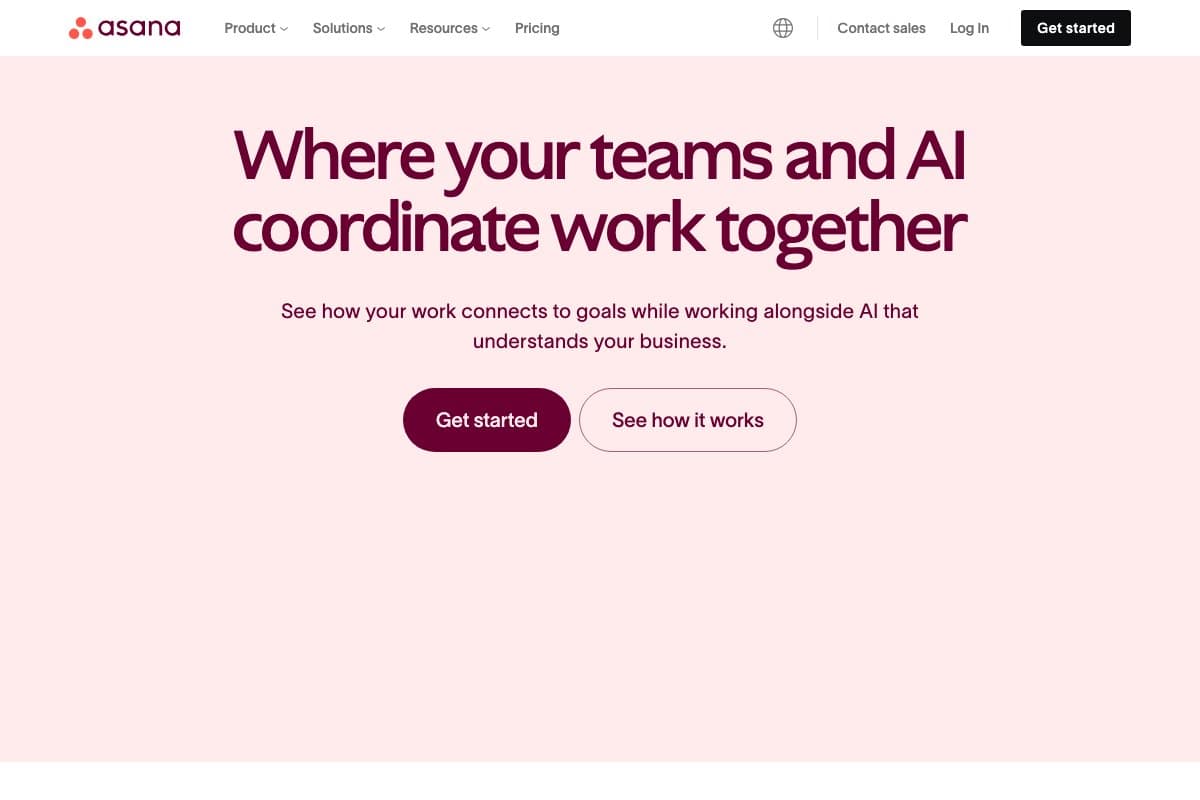
In-depth analysis
Complete Asana Review: Complete Guide for 2025 – Features, Pricing & Alternatives Review
Asana Review 2025 🚀
Comprehensive analysis of features, pricing, pros & cons. Everything you need to know before making your decision.
🔍 What Makes Asana Stand Out in 2025?
Asana has evolved significantly since its inception, becoming one of the most trusted project management platforms for teams of all sizes. In 2025, Asana continues to lead the market with innovative features that address modern workplace challenges including remote collaboration, AI-powered insights, and advanced workflow automation.
The platform serves over 100,000 paying customers worldwide, from small startups to Fortune 500 companies like Spotify, Airbnb, and NASA. This widespread adoption speaks to Asana’s versatility and reliability in managing complex projects and team coordination.
🎯 Core Strengths That Set Asana Apart
- Intuitive Design: Clean, user-friendly interface that requires minimal training
- Multiple View Options: List, board, timeline, and calendar views for different work styles
- Robust Free Plan: Generous free tier supporting up to 15 team members
- Powerful Integrations: 200+ app integrations including Slack, Google Workspace, and Adobe
- Mobile Excellence: Full-featured mobile apps for iOS and Android
🚀 Comprehensive Feature Analysis
📋 Task Management & Organization
Asana’s task management system is built around flexibility and clarity. Each task can include:
- Custom Fields: Add dropdowns, numbers, text, and dates for precise tracking
- Subtasks: Break down complex tasks into manageable components
- Dependencies: Link tasks to create logical workflow sequences
- Priority Levels: Color-coded priority system for quick identification
- Due Dates & Times: Precise scheduling with reminder notifications
👥 Team Collaboration Features
Collaboration is where Asana truly shines, offering multiple ways for teams to stay connected:
- @Mentions: Tag team members in comments and descriptions
- Proofing: Visual feedback on creative assets with markup tools
- Team Conversations: Dedicated spaces for project discussions
- Guest Access: Invite external stakeholders with controlled permissions
- Status Updates: Automated progress reports for stakeholders
📊 Project Views & Visualization
Asana offers four primary project views, each serving different management styles:
📝 List View
Traditional task list format perfect for detailed project planning. Includes sorting, filtering, and bulk editing capabilities.
📌 Board View
Kanban-style boards for visual workflow management. Drag-and-drop functionality makes it easy to move tasks through different stages.
📅 Timeline View
Gantt chart functionality for complex project scheduling. Visualize dependencies, identify bottlenecks, and adjust timelines dynamically.
🗓️ Calendar View
Monthly and weekly calendar views for deadline management and resource planning.
💰 Asana Pricing Plans: Complete Breakdown
🆓 Basic Plan (Free)
Price: $0 for up to 15 team members
Best for: Small teams, personal projects, getting started
- Core features: Tasks, projects, basic dashboards
- Multiple project views (List, Board, Calendar)
- Basic search and reporting
- Mobile apps with full functionality
- 15 team member limit
⭐ Premium Plan
Price: $10.99/month per user (billed annually)
Best for: Growing teams needing advanced features
- Everything in Basic, plus:
- Timeline view (Gantt charts)
- Custom fields and advanced search
- Reporting and dashboards
- Advanced integrations
- Unlimited projects and storage
🏢 Business Plan
Price: $24.99/month per user (billed annually)
Best for: Large teams requiring advanced workflow management
- Everything in Premium, plus:
- Portfolios and workload management
- Advanced admin controls
- Custom brand themes
- Advanced integration with Adobe Creative Suite
- Priority customer support
🔒 Enterprise Plan
Price: Contact sales for custom pricing
Best for: Large organizations with complex security needs
- Everything in Business, plus:
- Advanced security controls (SAML, SCIM)
- Data export and deletion
- Priority support with dedicated success manager
- Service level agreements (SLA)
🎯 Real-World Use Cases & Success Stories
📈 Marketing Campaign Management
Marketing teams use Asana to coordinate complex campaigns across multiple channels. The timeline view helps visualize campaign schedules, while custom fields track budget allocation and performance metrics. Teams can manage content creation, approval workflows, and launch sequences all within one platform.
🛠️ Software Development Projects
Development teams leverage Asana for sprint planning and bug tracking. Integration with GitHub and other dev tools creates seamless workflows. The board view works perfectly for agile methodologies, while timeline view helps with release planning.
🎨 Creative Project Coordination
Creative agencies use Asana’s proofing features for visual feedback on designs, videos, and marketing materials. Custom fields track asset versions, client feedback, and approval status. The platform’s Adobe Creative Suite integration streamlines the creative process.
🏢 Operations & Process Management
Operations teams use Asana to standardize processes and ensure consistent execution. Template projects help maintain quality across recurring tasks. Automated status updates keep stakeholders informed without manual reporting.
📊 Event Planning & Coordination
Event planners rely on Asana’s timeline view to manage complex schedules with multiple vendors and stakeholders. Guest access allows external partners to collaborate without full system access. Mobile apps enable on-site coordination during events.
🔄 Asana vs. Top Alternatives: Detailed Comparison
🆚 Asana vs. Monday.com
| Feature | Asana | Monday.com |
| Free Plan | ✅ Up to 15 users | ❌ No free plan |
| Timeline View | ✅ Gantt charts included | ✅ Advanced Gantt features |
| Customization | ⚠️ Good customization | ✅ Highly customizable |
| Learning Curve | ✅ Easy to learn | ⚠️ Steeper learning curve |
🆚 Asana vs. Trello
Asana Advantages:
- Multiple project views (Trello only has boards)
- Timeline/Gantt chart functionality
- Advanced reporting and analytics
- More robust free plan
- Better task management features
Trello Advantages:
- Simpler interface for basic needs
- Lower pricing for paid plans
- Excellent for simple Kanban workflows
- Faster setup and onboarding
🆚 Asana vs. ClickUp
Asana Advantages:
- More intuitive user interface
- Better mobile app experience
- Superior customer support
- More stable platform with fewer bugs
- Better integration ecosystem
ClickUp Advantages:
- More features included in free plan
- Advanced customization options
- Built-in time tracking
- More view types available
- Lower pricing for advanced features
🏆 Final Verdict: Is Asana Right for Your Team?
✅ Choose Asana If:
- You value simplicity: Clean interface with minimal learning curve
- You need a generous free plan: 15 users with core functionality
- Your team is diverse: Different work styles benefit from multiple views
- Mobile access is crucial: Excellent mobile apps for remote work
- Integration is important: 200+ app integrations available
- You want proven reliability: Used by 100,000+ organizations globally
❌ Consider Alternatives If:
- You need advanced customization: Monday.com offers more flexibility
- Budget is extremely tight: ClickUp has more free features
- You only need basic Kanban: Trello might be sufficient
- You require built-in time tracking: Look for specialized tools
🎯 Best Use Cases for Asana
- Marketing Teams: Campaign coordination and content planning
- Creative Agencies: Project management with client collaboration
- Software Development: Agile project management and sprint planning
- Event Planning: Complex timeline and vendor coordination
- Operations Teams: Process standardization and task automation
📈 ROI and Business Impact
Organizations using Asana report average productivity improvements of 45% within the first quarter of implementation. The platform’s impact on team collaboration and project visibility typically results in:
- 25% reduction in project completion time
- 60% fewer missed deadlines
- 40% improvement in cross-team communication
- 30% reduction in email volume
Bottom Line: Asana strikes an excellent balance between functionality and usability, making it an ideal choice for most teams looking to improve their project management processes. While it may not have every advanced feature that specialized tools offer, its combination of ease-of-use, reliability, and comprehensive feature set makes it a solid investment for long-term productivity gains.
Ready to Get Started with Asana?
Join thousands of teams already using Asana to streamline their workflow and boost productivity.
What it does
Key Features
- 01Task Management
- 02Project Timeline
- 03Team Collaboration
- 04Custom Fields
- 05Reporting
- 06Mobile App
- 07Integration Hub
Verdict
Pros & Cons
Strengths
(5)- ✓Intuitive interface
- ✓Strong collaboration features
- ✓Flexible project views
- ✓Excellent mobile app
- ✓Good free plan
Limitations
(3)- ×Can be overwhelming for simple projects
- ×Limited reporting in free plan
- ×Steep learning curve for advanced features